Collaboration

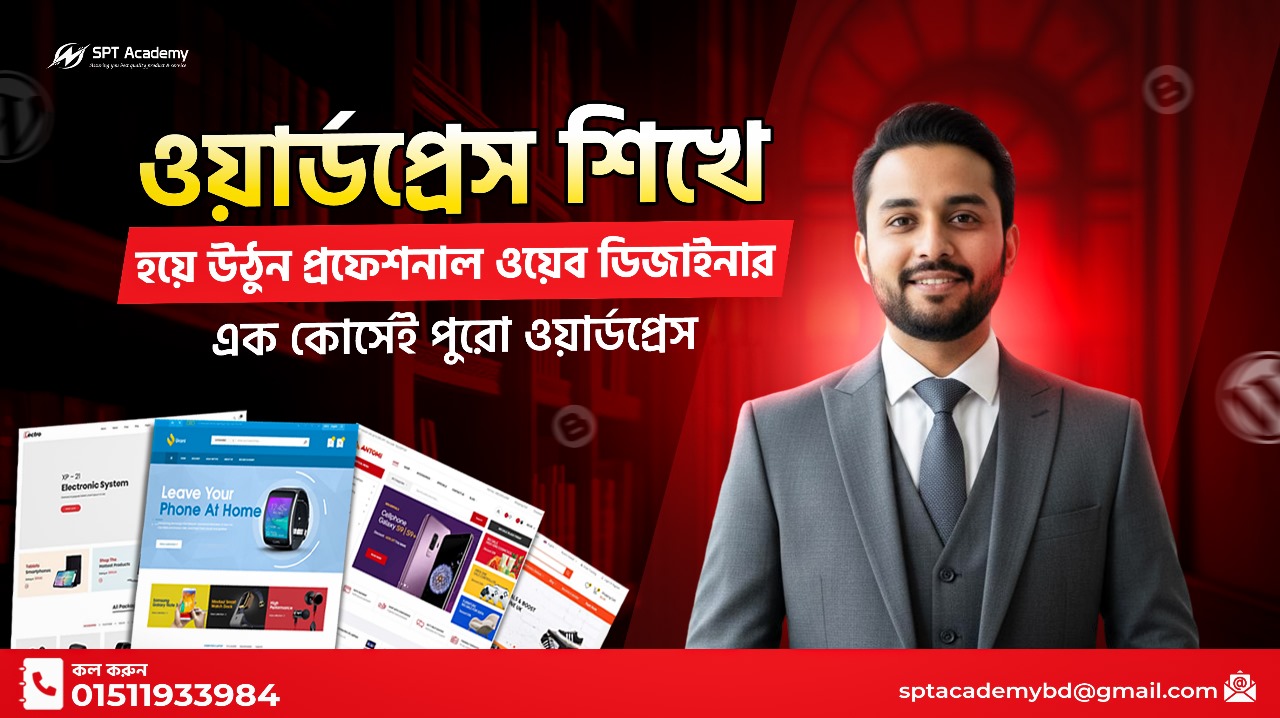
Web Design & Development With Wordpress

  • (1 ratings)

  • 4 Month

  • 0 Students

  • 0 Lessons

What you'll learn

earn to design and develop professional WordPress websites from scratch. Master themes, plugins, page builders, e-commerce, SEO, and AI-powered tools to create websites for businesses or freelancing clients. Perfect for beginners with no prior experience.

Curriculum

🔹 MODULE 1: Introduction to Web Design & WordPress

Objective: Understand website basics and WordPress fundamentals.

Topics Covered

  • Introduction to web design & development
  • What is WordPress and why use it
  • Types of websites: blogs, business, e-commerce, portfolios
  • Domain names, hosting, and website setup
  • WordPress dashboard overview
  • Hands-on: Setting up a test WordPress site


🔹 MODULE 2: Basic Computer & Web Skills

Objective: Build essential digital skills for web development.

Topics Covered

  • File management and organization
  • Understanding website structure (HTML, CSS basics)
  • Image optimization for web
  • Basic graphic creation for websites (using Canva or Figma)
  • Hands-on Exercise: Create simple graphics for a website


🔹 MODULE 3: WordPress Setup & Configuration

Objective: Set up and configure WordPress for live websites.

Topics Covered

  • Installing WordPress manually & via hosting panel
  • Configuring general settings: site title, tagline, permalinks
  • Installing themes and essential plugins
  • Understanding WordPress themes, templates, and page builders
  • Hands-on: Configure a sample WordPress site


🔹 MODULE 4: Designing Websites With Page Builders

Objective: Learn visual design and layout creation.

Topics Covered

  • Introduction to page builders: Elementor, WPBakery, Gutenberg
  • Designing homepage, about, services, and contact pages
  • Using sections, columns, widgets, and templates
  • Responsive design for mobile and tablets
  • Hands-on Project: Build a professional business website


🔹 MODULE 5: Advanced WordPress Features

Objective: Customize websites and add dynamic functionality.

Topics Covered

  • Using plugins to add features: contact forms, sliders, SEO, security
  • Creating blogs and dynamic pages
  • Managing menus, widgets, and sidebars
  • Using custom CSS for advanced styling
  • Hands-on: Add functionality to your website using plugins


🔹 MODULE 6: E-Commerce Website Development

Objective: Build online stores using WordPress.

Topics Covered

  • Introduction to WooCommerce
  • Product setup: categories, images, descriptions, pricing
  • Payment gateways and shipping setup
  • Designing product pages and checkout flow
  • Hands-on Project: Create a live e-commerce website


🔹 MODULE 7: Website Security & Optimization

Objective: Make websites secure, fast, and SEO-friendly.

Topics Covered

  • Backup and restore websites
  • SSL installation and security best practices
  • Website speed optimization: caching, image compression
  • SEO basics for WordPress: Yoast SEO, meta tags, keywords
  • Hands-on: Optimize a sample website for performance


🔹 MODULE 8: AI & Automation in WordPress

Objective: Use AI tools to enhance website design and content.

Topics Covered

  • AI content creation for blogs and pages
  • AI tools for image generation and optimization
  • Automating updates, backups, and email marketing
  • Hands-on: Integrate AI tools for content and visuals


🔹 MODULE 9: Freelancing & Real-World Projects

Objective: Prepare students for freelancing and client work.

Topics Covered

  • Setting up freelancing profiles (Upwork, Fiverr, Freelancer)
  • Portfolio creation with WordPress projects
  • Handling client requirements and communication
  • Pricing strategies for websites
  • Hands-on Project: Build a client-ready website


🔹 MODULE 10: Final Assessment & Certification
Objective: Test practical knowledge and skills.

Topics Covered

  • Practical test: Build a complete website
  • Create portfolio pages and integrate blog/e-commerce
  • Review & evaluation by instructors
  • Certificate of completion
  • Career guidance: Freelancing, agency work, or starting your own business


Descriptions

This comprehensive course teaches you everything you need to become a professional WordPress web designer and developer. You will start with the basics of website design, WordPress installation, and configuration, then move on to designing professional, responsive websites using page builders like Elementor and Gutenberg.

You will learn to create blogs, business websites, and e-commerce stores, customize themes, and add functionality with plugins. The course also covers AI-powered content creation and automation, website optimization, security, and SEO, making your websites professional and client-ready.

Hands-on projects, real-world simulations, and portfolio building prepare you to start freelancing or work with businesses. No prior experience is required — this course is perfect for beginners, students, marketers, and anyone looking to start a career in web development.

(0) Write a review

No reviews available.

Giving Rating:

This Course Includes

  • 🔹 MODULE 1: Introduction to Web Design & WordPress

  • 🔹 MODULE 2: Basic Computer & Web Skills

  • 🔹 MODULE 3: WordPress Setup & Configuration

  • 🔹 MODULE 4: Designing Websites With Page Builders

  • 🔹 MODULE 5: Advanced WordPress Features

  • 🔹 MODULE 6: E-Commerce Website Development

  • 🔹 MODULE 7: Website Security & Optimization

  • 🔹 MODULE 8: AI & Automation in WordPress

  • 🔹 MODULE 9: Freelancing & Real-World Projects

  • 🔹 MODULE 10: Final Assessment & Certification